Receipt Scan
Attach a photo or PDF of any bill to an expense today, so the group always has the original receipt. Automatic AI line-item extraction is in active development.
- Attach a receipt photo or PDF to any expense - available now
- Everyone in the group can view the original receipt
- Automatic total, tax & item extraction - coming soon
Where this fits in
Attach the proof today, skip the typing soon
Typing out a grocery run or a group dinner line by line is where most expense apps lose people. The receipt gets stuffed in a pocket and the expense never gets logged.
Right now, you can photograph or import a receipt and attach it directly to the expense, so everyone in the group can see exactly what was bought and confirm the amount.
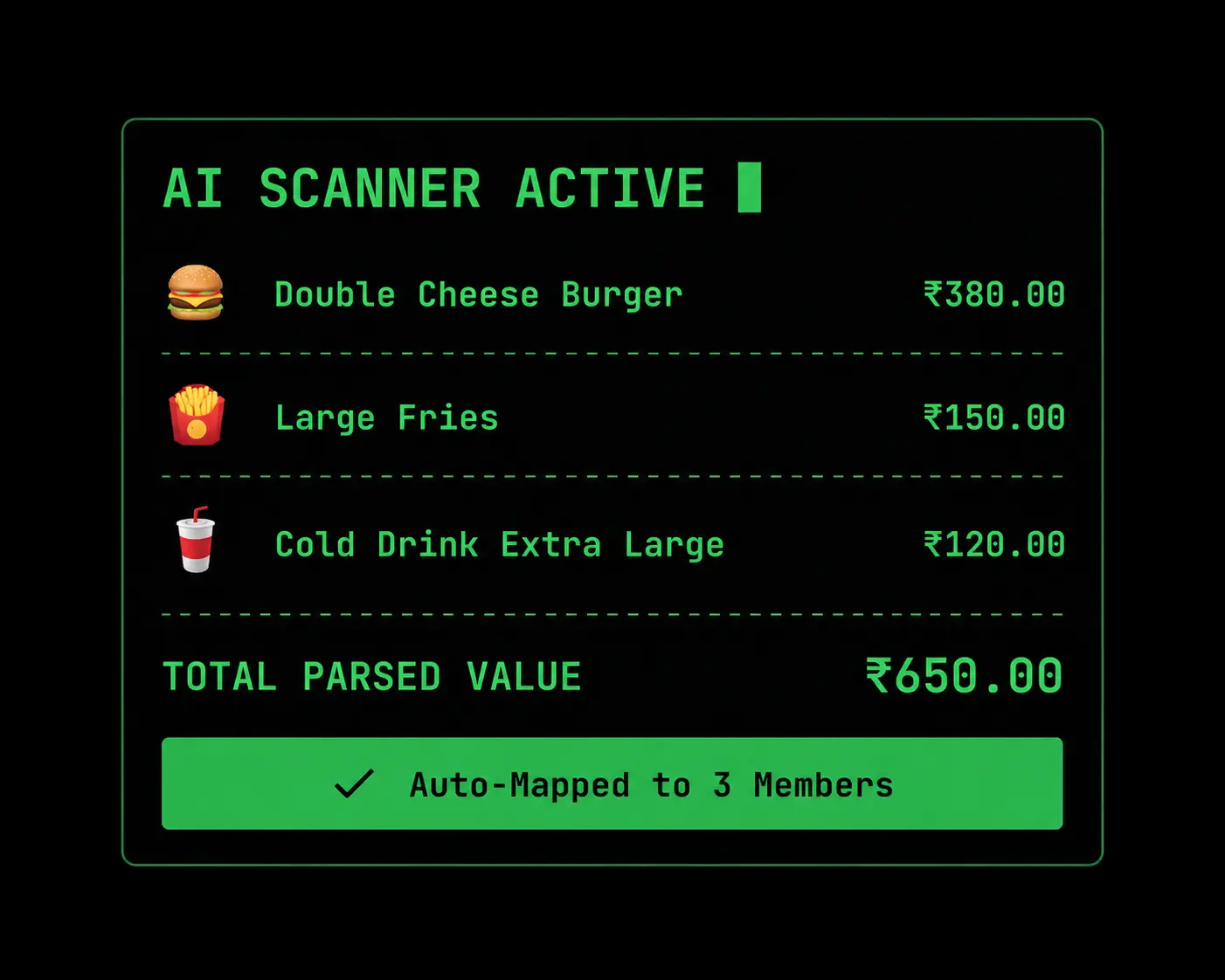
We're building automatic line-item extraction on top of that - reading the total, tax, and individual items so nobody has to type them in by hand. It isn't live yet; this page will be updated the moment it ships.
How it works
Three steps, no learning curve
Snap or import
Photograph a receipt or import a PDF bill straight into a group expense.
Attach it to the expense
The receipt is stored with the expense so the group can see the original bill.
Split however it's fair
Assign the expense to specific people, or split it evenly, in a couple of taps.
Explore more features