QR & Link Invites
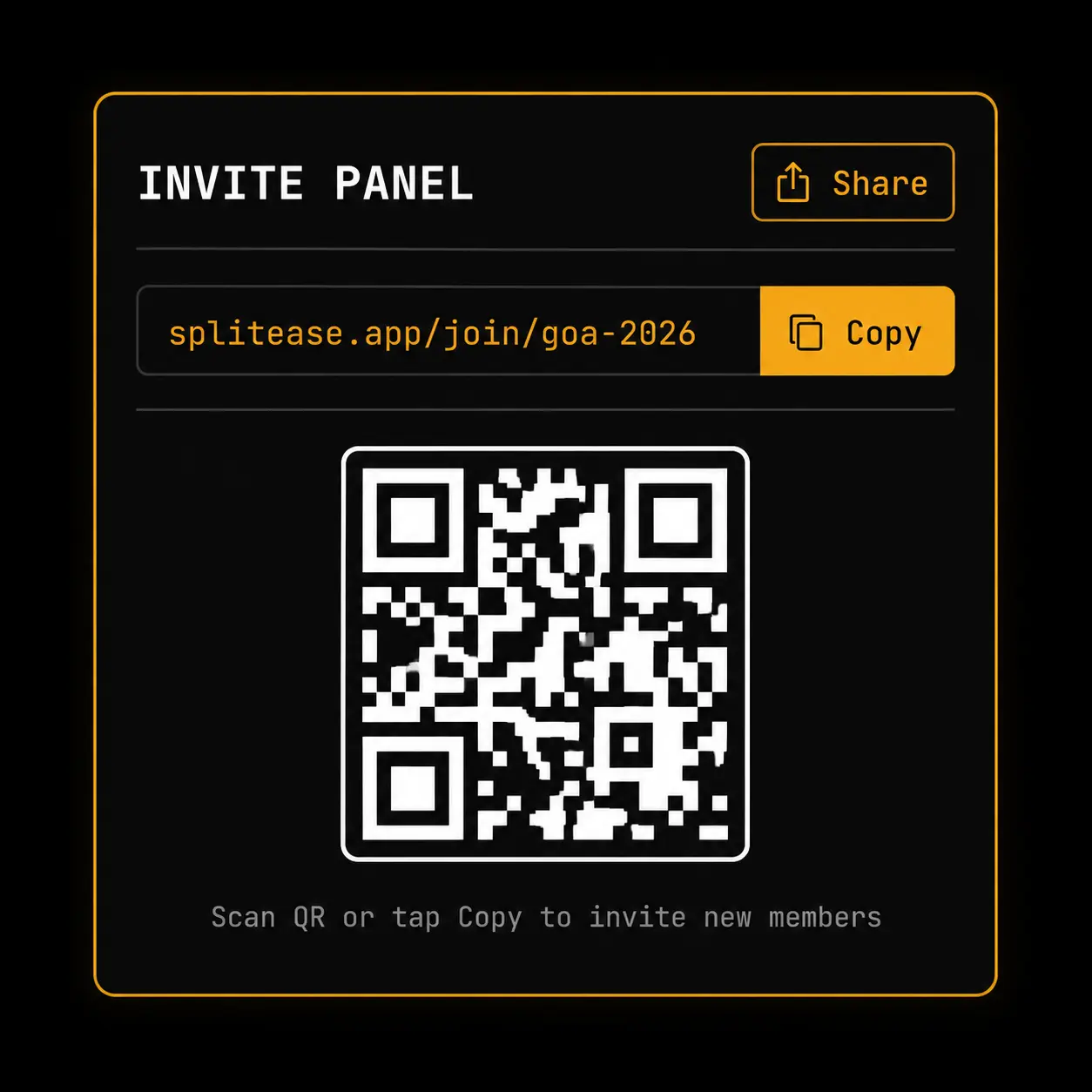
Every group gets its own QR code and invite link. Guests scan or tap to join instantly - no accounts to manually add, no onboarding sheet.
- One-click join invite links for every group
- Scannable QR codes generated instantly
- Automatic redirect straight to the group landing page
Where this fits in
Getting six friends into one group shouldn't take six messages
The usual way to add someone to a group app is typing out their email or username, one at a time, hoping you spelled it right. For a trip with ten people, that's ten chances to get it wrong.
SplitEase generates a QR code and a shareable link for every group. Print the QR at a house party, drop the link in the trip WhatsApp thread, or hold up your phone at dinner - whoever scans or taps it lands straight in the group, already joined.
No sign-up sheet, no manually adding each member, no "wait, did you get my invite?" follow-up texts.
How it works
Three steps, no learning curve
Generate an invite
Every group gets its own QR code and link the moment it's created.
Share it your way
Print the QR, send the link, or just hold your phone up for someone to scan.
They land in the group
Scanning or tapping opens the group directly - no separate approval step needed.
Explore more features